

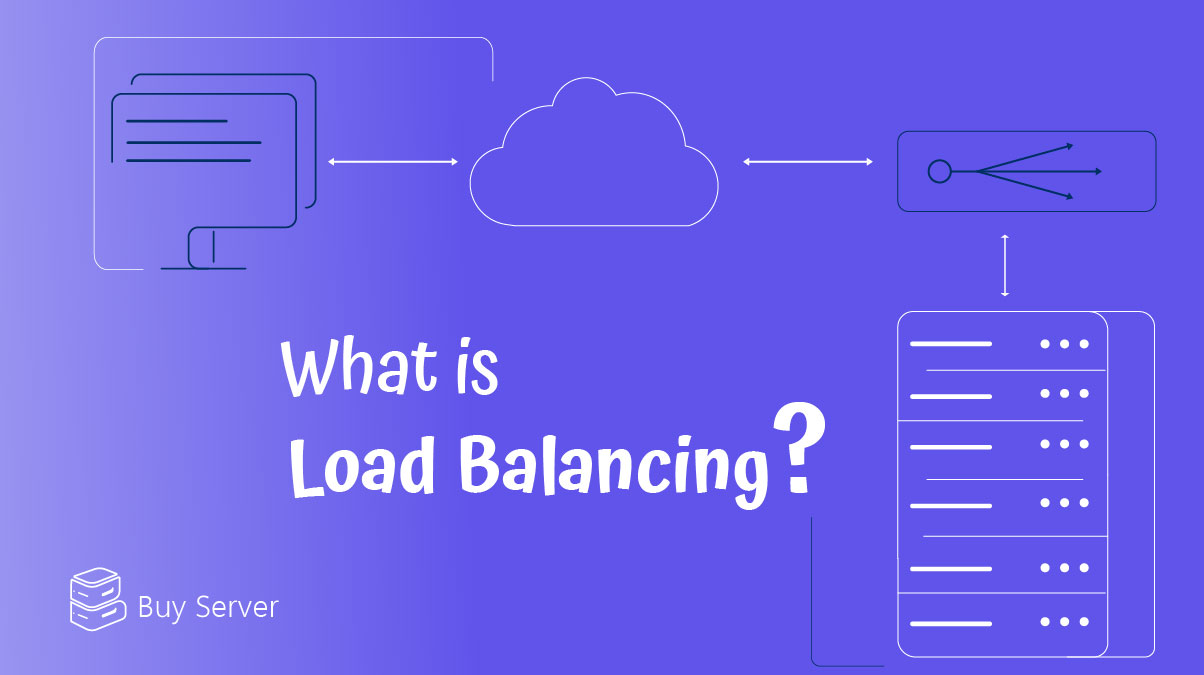
Load Balancing is the process of distributing incoming traffic across multiple servers to ensure high availability, improved performance, and fault tolerance. Hardware failures, traffic spikes, and maintenance downtime can quickly turn a stable service into a liability. This is where Load Balancing becomes essential. In VPS based infrastructures, load balancing is especially valuable because resources are finite and must be used efficiently.
This article explains what is load balancing, how it works, different load balancer types, and how to implement load balancing for virtual private servers step by step using real world tools.
What Is Load Balancing and How It Works
To understand what is load balancing, imagine a busy highway with only one lane. All traffic must pass through it, causing congestion. Load balancing adds more lanes and intelligently routes traffic to keep everything flowing smoothly.
A load balancer sits between users and backend servers. Its core responsibilities include:
- Receiving incoming requests
- Evaluating server health and availability
- Forwarding requests to the optimal backend server
- Preventing overload on any single node
This mechanism ensures continuous service even if one VPS fails or any other error or fail happens.
Load Balancer Types
Before acting you need to consider the options you have. As we suggested earlier, it’s better to have a Load Balancer. So understanding different load balancer types helps you choose the right solution:
- Layer 4 Load Balancers: Operate at the transport layer (TCP/UDP).
They are fast and efficient but lack deep traffic inspection.
- Layer 7 Load Balancers: Work at the application layer (HTTP/HTTPS).
They can route traffic based on URLs, headers, or cookies.
- Hardware Load Balancer: Dedicated physical appliances.
Powerful but expensive and inflexible for VPS users.
- Software Load Balance: Runs on a VPS using open source tools like HAProxy or NGINX. This is the most common and cost effective option for VPS setups.
choosing between different Load balancer types depends on your traffic patterns, application architecture, and operational requirements. For most load balancing for virtual private servers, a Software load balancer offers the best balance of performance, flexibility, and cost. Understanding these differences helps you build a scalable and reliable VPS infrastructure from the start.
Architecture of Load Balancing for Virtual Private Servers
The architecture of load balancing for virtual private servers is typically built around a centralized entry point that manages traffic distribution across multiple backend VPS nodes. A dedicated VPS usually acts as the load balancer, sitting between users and application servers. This layer is responsible for routing requests, monitoring server health, and handling failover when a backend node becomes unavailable.
Such an architecture improves fault tolerance while keeping the infrastructure modular and easy to scale. As traffic increases, additional VPS instances can be added to the backend without affecting end users.
VPS Load Balancer Setup
Before starting a VPS load balancer setup, certain technical prerequisites must be in place to ensure a stable deployment. All backend VPS servers should be properly configured, reachable over the network, and running the same application stack. Network rules and firewalls must allow traffic between the load balancer and backend nodes. Administrative access is also required to install and configure load balancing software. Preparing these elements in advance helps avoid configuration issues and ensures a smooth Load Balancing on VPS implementation.
Setting up HAProxy on a VPS
HAProxy is a high performance, open source load balancer designed for reliability and speed in high traffic environments. It operates at both Layer 4 and Layer 7, making it suitable for TCP and HTTP based workloads. This is how you can install it step by step:
Step 1: Install HAProxy
Update and install it through this code:
sudo apt update
sudo apt install haproxy -y
Step 2: Configure Backend Servers
Edit the HAProxy configuration file:
sudo nano /etc/haproxy/haproxy.cfg
Example configuration:
frontend http_front
bind *:80
default_backend web_servers
backend web_servers
balance roundrobin
server web1 10.0.0.2:80 check
server web2 10.0.0.3:80 check
Step 3: Restart HAProxy
Then restart the system:
sudo systemctl restart haproxy
HAProxy is widely used in production systems where precise traffic control, advanced health checks, and fault tolerance are critical. Its lightweight design and proven stability make it a popular choice for Load Balancing on VPS infrastructures.This completes a basic load balancing for VPS configuration using HAProxy.
Installing NGINX as a Load Balancer
NGINX is a powerful web server that also functions as a flexible Layer 7 software load balancer. It is commonly used to distribute HTTP and HTTPS traffic across multiple backend servers while handling tasks such as reverse proxying and caching.
Step 1: Install NGINX
Update and Installation:
sudo apt update
sudo apt install nginx -y
Step 2: Configure Load Balancing
Edit the default configuration:
sudo nano /etc/nginx/conf.d/loadbalancer.conf
Example:
upstream backend_servers {
server 10.0.0.2;
server 10.0.0.3;
}

server {
listen 80;
location / {
proxy_pass http://backend_servers;
}
}
Step 3: Restart NGINX
Then restart system:
sudo systemctl restart nginx
NGINX is known for its simple configuration and strong performance in web focused applications. For many VPS load balancer setup scenarios, NGINX provides an accessible and efficient solution. This setup enables Load Balancing on VPS using NGINX.
Choosing a Load Balancer for your VPS
Tools like HAProxy and NGINX allow administrators to fine tune traffic distribution, health checks, and failover behavior without relying on external hardware. They also integrate easily with existing VPS setups and automation workflows. As a result, software based load balancers remain the most practical choice for implementing Load Balancing on VPS infrastructures efficiently and cost effectively. Using Load Balancing on VPS environments provides several concrete advantages and if you look it closely its recommended to use for their infrastructure as a beneficial method:
- High Availability: If one VPS fails, traffic is redirected automatically.
- Scalability: New VPS instances can be added without downtime.
- Performance Optimization: Requests are routed to the least busy server.
- Maintenance Flexibility: Servers can be updated or rebooted safely.
For projects running in regions like UAE VPS or Finland VPS, load balancing also helps optimize geographic latency. To make sure to have servers with low ping and finally user satisfaction.
Comparing HAProxy and NGINX for Load Balancing
This comparison table should help you to choose accurately:
| Feature | HAProxy | NGINX |
| Layer 4 Support | Yes | No |
| Layer 7 Support | Yes | Yes |
| Performance | Very High | High |
| Configuration Complexity | Medium | Low |
| Best Use Case | High traffic APIs | Web applications |
Both qualify as a solid load balancer for VPS depending on workload.
Common Load Balancing Algorithms
The Common Load Balancing Algorithms define how incoming traffic is distributed across backend servers in a Load Balancing setup. Each algorithm is designed to optimize performance based on different traffic patterns and resource usage. Round Robin distributes requests evenly and works well for servers with similar capacity.
Selecting the right algorithm is essential for achieving efficient load balancing for virtual private servers and maintaining stable application performance.
Security Considerations in Load Balancing
Security plays a critical role in any Load Balancing architecture, as the load balancer acts as the first point of contact between users and backend servers. It can be configured to handle SSL/TLS termination, reducing the processing load on individual VPS nodes. Load balancers also help protect backend servers by hiding their real IP addresses from public access. Features such as rate limiting and request filtering can mitigate common attacks like brute force attempts.
Monitoring and Health Checks
Continuous monitoring and health checks are essential components of a reliable Load Balancing on VPS setup. The load balancer regularly checks backend servers to ensure they are responsive and capable of handling traffic. If a server becomes unavailable, traffic is automatically redirected to healthy nodes. Monitoring response times and error rates helps detect performance issues early.
These mechanisms ensure high availability and prevent downtime in VPS load balancer setup environments.
Conclusion
Load Balancing is no longer optional for VPS based infrastructures. Whether you are running a small application or a growing platform, implementing Load Balancing on VPS ensures stability, scalability, and performance. When properly configured, load balancing for virtual private servers significantly improves both performance and security.
By understanding what is load balancing, selecting the right load balancer types, and following a proper VPS load balancer setup, you can build resilient systems that scale with confidence.
FAQ
What is load balancing and why is it important for VPS hosting?
Load Balancing distributes traffic across multiple VPS servers to prevent overload, improve performance, and ensure high availability. It helps maintain service continuity even when one server fails.
Can I use load balancing on a single VPS?
No. Load balancing for virtual private servers requires at least two backend VPS nodes to distribute traffic effectively. A separate VPS is usually used as the load balancer.
Which is better for VPS load balancing, HAProxy or NGINX?
Both are reliable software load balancer solutions. HAProxy is preferred for high traffic and TCP based workloads, while NGINX is commonly used for HTTP and web focused applications.
Does load balancing improve security?
Yes. A properly configured load balancer for VPS can hide backend server IPs, handle SSL termination, and apply basic traffic filtering, reducing the attack surface of your infrastructure.